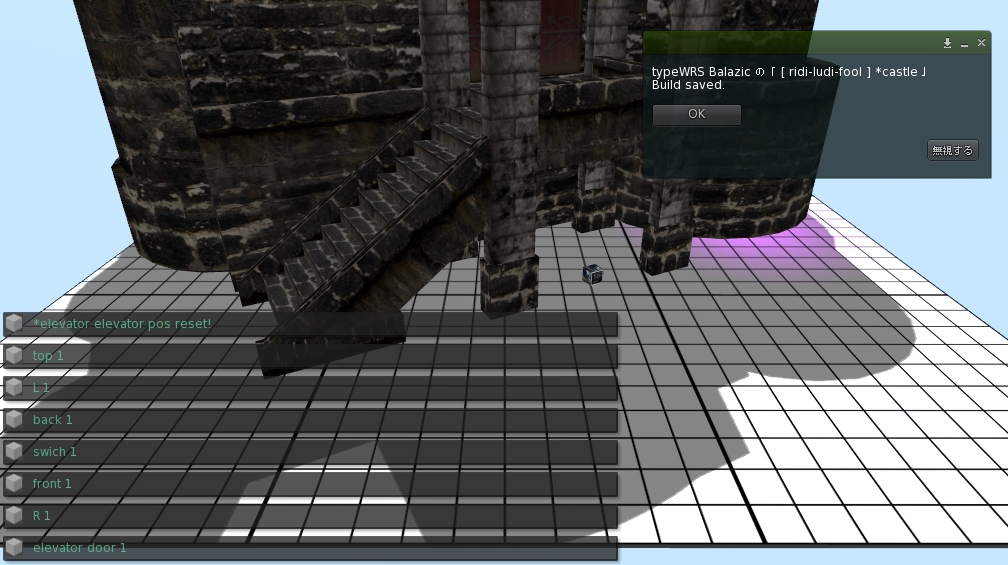
I am very grateful to all of you who bought our products and all of you reading this blog.


Access change script for *roof door

There is a secret door to rooftop in *castle.
Although only an owner can open and close the door, we prepared this time 
the script which enables change of access to *roof door.

You only replace an old script with this new script,
and become able to choose the person who can access the door 
among "Owner only, Group member only, Anyone".

Please refer to the following reports about how to replace scripts.
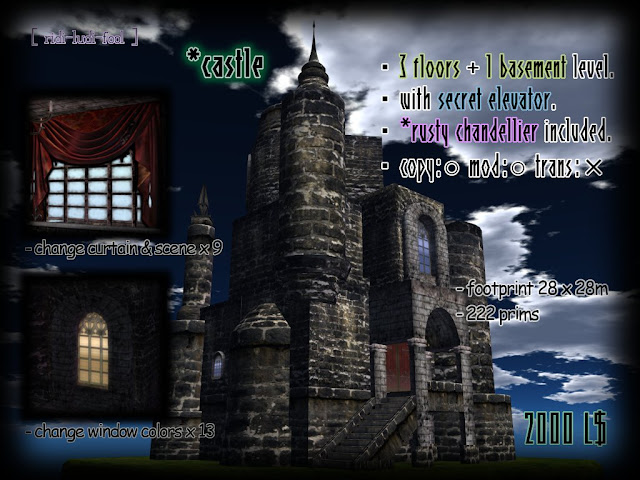


about *castle http://ridi-ludi-fool.blogspot.com/2010/10/castle.html


The important news is delivered from [ ridi-ludi- fool ] group.
Please join us if interested.
http://world.secondlife.com/group/a528c4a9-31d8-c080-2d89-4c23494e821a

The script is in [ ridi-ludi- fool ] MAIN shop.
Please buy it with 0L$.


< How to replace script for *roof door

1)Please be sure to shut a door and to begin work.

2)Edit *stairs of the roof, and check "Edit linked" and choose a secret door.
Please confirm an object name is "Object" at this time.


3)Delete an old script "New Script" in contents.
Drag and drop a new script "*roof door" from your inventory to contents.


4)Dialog is displayed by your press and hold, and choose a button.
"Owner" --- Only an owner can open / close a door.
"Group" --- Only members of the group set at the door can open / close a door.
(A setup of a group is mentioned later)
"Anyone" --- Anyone can open / close a door.
"-exit -" --- Dialog is closed.


5)The door is opened and closed by a touch.


6)The present access permit describes at [description] of a general tab.
About a setup of the group permitted by "Group" ---
- The member of a group described in the [group] of a door is permitted access.
- How to change the group set as the door,
1)Push a button beside [group] and call a group list.
2)Choose the group which wants to admit access from a list, and push the OK button.
Cautions!!
When you rent land, objects may be returned if the group is changed.
Please confirm the agreement of land before change.


[ ridi-ludi-fool ] *sky land (snow)


- It is snow island floats on the sky.
Please use as a platform of the sky house for winter.
- Prim can be stretched now to 64 m. Please edit it into the size suitable for your land.
- copy OK , modify OK , NO transfer
- 3 prims
- There is *castle (2000L$) by another sales.


DEMO is in the sky of the main shop http://slurl.com/secondlife/Bay%20City%20-%20Mashpee/189/185/26


I am very grateful to all of you who bought our products and all of you reading this blog.


【Access change script for *Tower B】

There is a chair for teleport to the third floor in *castle.
Although the chair is hidden in the seclet door and only the owner has opened and closed the door,we prepared this time 
the script which enables change of access to a camouflage door.

You only replace an old script of the camouflage door with this new script,
and become able to choose the person who can access the camouflage door 
among "Owner only, Group member only, Anyone".

Please refer to the following reports about how to replace scripts.


about *castle http://ridi-ludi-fool2.blogspot.com/2010/10/castle.html


The important news is delivered from [ ridi-ludi- fool ] group.
Please join us if interested.
http://world.secondlife.com/group/a528c4a9-31d8-c080-2d89-4c23494e821a

The script is in [ ridi-ludi- fool ] MAIN shop.
Please buy it with 0L$.


< How to replace script for *Tower B

1)Two scripts "*Tower B1" and "*Tower B2" are used.


2)Edit *Tower B and drag and drop script "*Tower B1" from your inventory to contents.


3)Check "Edit linked" and choose a secret door.
Please confirm an object name is "slide" at this time.


4)Delete an old script "New Script" in contents.
Drag and drop a new script "*Tower B2" from your inventory to contents.


5)Dialog is displayed by your press and hold, and choose a button.
"Owner" --- Only an owner can open / close a door.
"Group" --- Only members of the group set at the door can open / close a door.
(A setup of a group is mentioned later)
"Anyone" --- Anyone can open / close a door.
"-exit -" --- Dialog is closed.


6)Your setup can be checked by a chat.


7)The door of *Tower B opened and closed by touch.


6)The present access permit describes at [description] of a general tab.
About a setup of the group permitted by "Group" ---
- The member of a group described in the [group] of a door is permitted access.
- How to change the group set as the door,
1)Push a button beside [group] and call a group list.
2)Choose the group which wants to admit access from a list, and push the OK button.
Cautions!!
When you rent land, objects may be returned if the group is changed.
I am very grateful to all of you who bought our products and all of you reading this blog.


【Access change script for *camouflage door】

There is an elevator of the iron grille for getting down to underground in *castle.
Although the elevator is located on the back side of a camouflage door and only the owner has opened and closed the door,we prepared this time 
the script which enables change of access to a camouflage door.

You only replace an old script of the camouflage door with this new script,
and become able to choose the person who can access the camouflage door 
among "Owner only, Group member only, Anyone".

Please refer to the following reports about how to replace scripts.


about *castle http://ridi-ludi-fool2.blogspot.com/2010/10/castle.html


The important news is delivered from [ ridi-ludi- fool ] group.
Please join us if interested.
http://world.secondlife.com/group/a528c4a9-31d8-c080-2d89-4c23494e821a

The script is in [ ridi-ludi- fool ] MAIN shop.
Please buy it with 0L$.


< How to replace script for *camouflage door

1)Please be sure to shut a door and to begin work.


2) Edit *camouflage door and delete an old script "New Script" in contents.
The new script "*camouflage door" is dragged and dropped from your inventory to contents.


3)Dialog is displayed by your press and hold, and choose a button.
"Owner" --- Only an owner can open / close a door.
"Group" --- Only members of the group set at the door can open / close a door.
(A setup of a group is mentioned later)
"Anyone" --- Anyone can open / close a door.
"-exit -" --- Dialog is closed.


4)Your setup can be checked by a chat.


5)*camouflage door opened and closed by touch.


6)The present access permit describes at [description] of a general tab.
About a setup of the group permitted by "Group" ---
- The member of a group described in the [group] of a door is permitted access.
- How to change the group set as the door,
1)Push a button beside [group] and call a group list.
2)Choose the group which wants to admit access from a list, and push the OK button.
Cautions!!
When you rent land, objects may be returned if the group is changed.
Please confirm the agreement of land before change.
I am very grateful to all of you who bought our products and all of you reading this blog.


Please take the following articles into account to prevent the malfunction of the elevator.
[ ridi-ludi-fool ] *castle
Unique castle of suitable size ★ with rusty chandelier


about *castle http://ridi-ludi-fool.blogspot.com/2010/10/castle.html


I use rezzer called Rez-Faux to easily build a castle safely.
Because You can let the whole big building is not linked to make translation/rotation, it is very convenient.


< how to assemble *castle >

1)The number of prims that you can do REZ must confirm whether 223 or more are in your land.

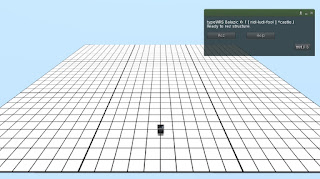
2)Rez *castle(box) on your land.


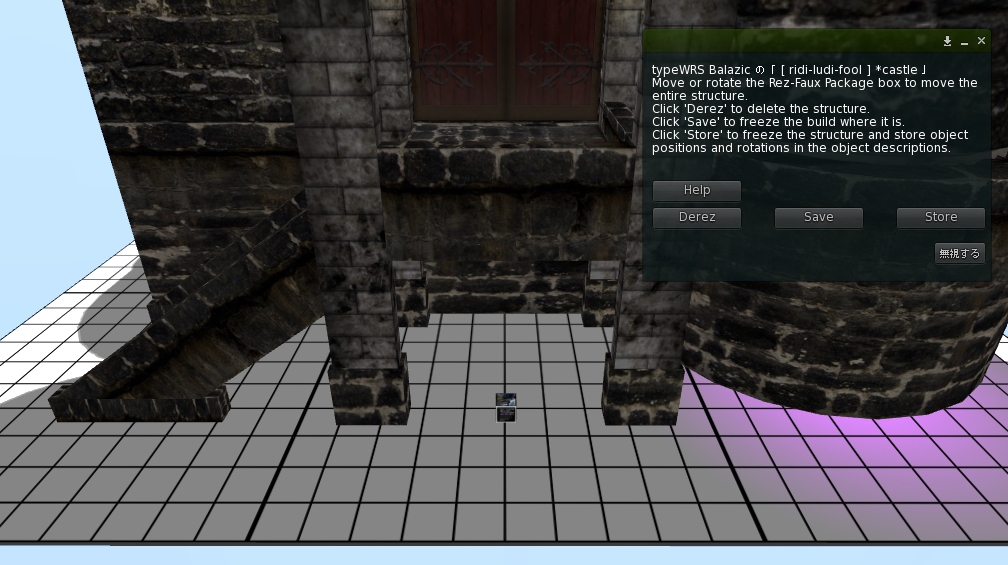
3)Touch *castle for show dialog, and choose [Rez] button.
   The castle is automatically assembled.

Note : It is not likely to unite neatly when SIM is heavy or the state of SL is not good.
         You should choose "Derez" button and eliminate all parts of the castle at such time.
         After that, please you choose the "Rez" button and re-assemble the castle.

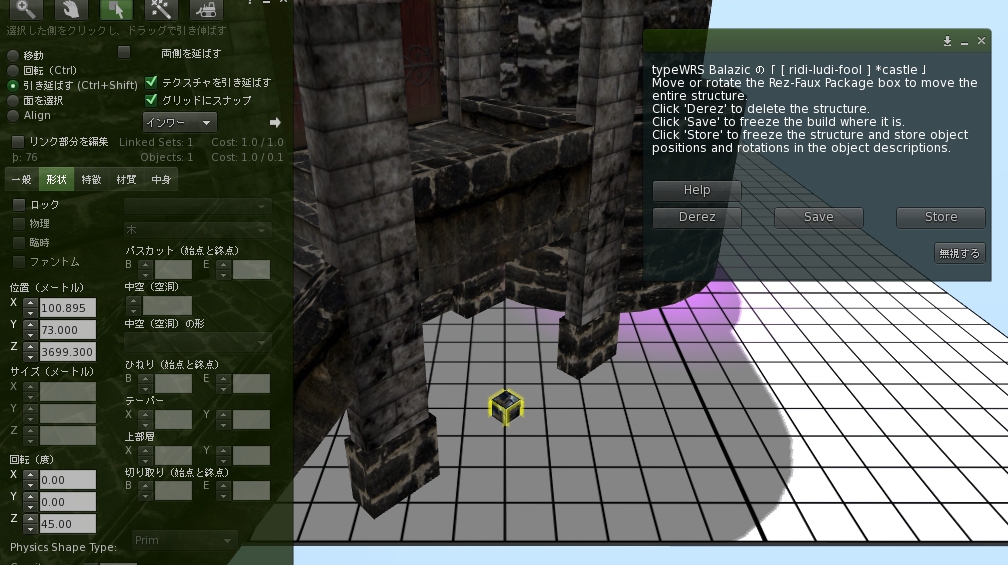
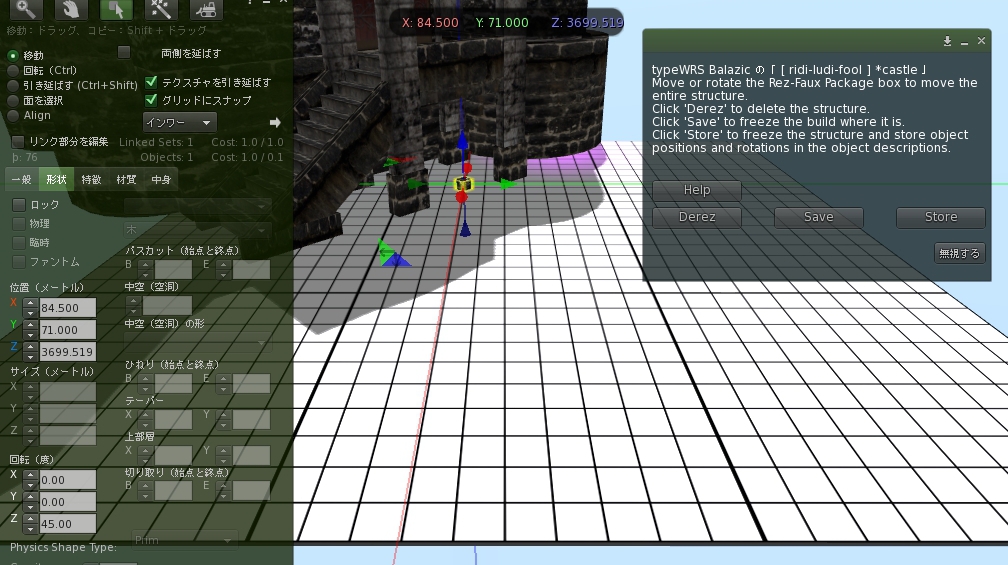
4)The castle moves according to it when you move and rotate *castle(box).
   You move the box so that the castle may come to the position that you want to set up.


5)When you choose "Save" of the dialog, the position of the castle is fixed.


6)You choose "OK" and are all completion. Please delete *castle(box).

Note : Please use the castle after choosing "Save".
They do not operate correctly when some parts such as elevators are moved before "Save".

I was asked "Why does not the elevator make a right move?" several times.
It was a cause that Save button was not pushed.
Please be careful.
To customers who bought *sky land

If you cannot stretch purchased *sky land (not MEGA prim version)
and if you need another size of *sky land (MEGA prim version), please contact me freely.


50m, 64m, 70m size *sky land made in response to the request.
<By specifications change of Linden that normal prim became able to stretch to 64m, I stopped use of huge prim and remade it in normal prim.>


[ ridi-ludi-fool ] *sky land


- It is island floats on the sky.
Please use it as a platform in your sky house.
- Prim can be stretched now to 64 m. Please edit it into the size suitable for your land.
- copy OK , modify OK , NO transfer
- 3 prims
- There is *castle (2000L$) by another sales.


DEMO is in the sky of the main shop http://slurl.com/secondlife/Bay%20City%20-%20Mashpee/189/185/26


[ ridi-ludi-fool ] group was made.

We will distribute the information of a new product and the group gift through this group.
Please join the group if you are interested.


Please touch this signboard in main shop.

http://slurl.com/secondlife/Bay%20City%20-%20Mashpee/189/185/26
I changed permissions of rusted chandeliers as follows.


copy:NO / mod:OK / trans:NO → copy:NO / mod:OK / trans:OK
More information*rusty chandelier 01 (trans)


copy:NO / mod:OK / trans:NO → copy:NO / mod:OK / trans:OK
More information*rusty chandelier 02 (trans)


Related Items

*rusty chandelier 01 (copy)
copy:OK / mod:OK / trans:NO


*rusty chandelier 02 (copy)
copy:OK / mod:OK / trans:NO


Some demonstrations are here.


Please come to the DEMO floor by a TP signboard at the main shop.
http://slurl.com/secondlife/Bay%20City%20-%20Mashpee/189/185/26


List of Goods

Labels

new item (250) HONENOKE (152) Japonica (73) obi (62) kimono (48) NeoJapan (34) yukata (33) collaboration (27) jintaiya (22) model (21) fantasy faire (20) animesh (17) haori (17) bodyparts (16) castle (15) accessory (13) bones (12) making (12) BENTO (11) interior (11) Matsuri (10) outfit (10) Okinawa (9) Read Me: (9) mesh (9) skeleton (9) news (7) script (7) addon (6) dress (6) remake (6) Enchantment (5) Island (5) Orientilika (5) event (5) gacha (5) garden (5) kowloon (5) wing (5) DEMO (4) KAGAMI (4) LucieDoll (4) avatar (4) cocktail (4) michiyuki (4) shop (4) chair (3) chandelier (3) developers kit (3) elf (3) hamster (3) sculpted (3) shoes (3) Furisode (2) HUD (2) MidnightOrder (2) NO.12 (2) armor (2) chinese (2) clothes (2) costume (2) free gift (2) gothic (2) lamp (2) lighting (2) my... (2) uchikake (2) Japanese (1) Miko (1) NO.11 (1) SS (1) WLRP (1) alpha (1) blender (1) bokeh (1) boots (1) curtain (1) eyes (1) group (1) hakama (1) head-dress (1) main shop (1) mask (1) material (1) particle (1) robe (1) the New Year (1) tree (1) update (1)

Archive

TOP